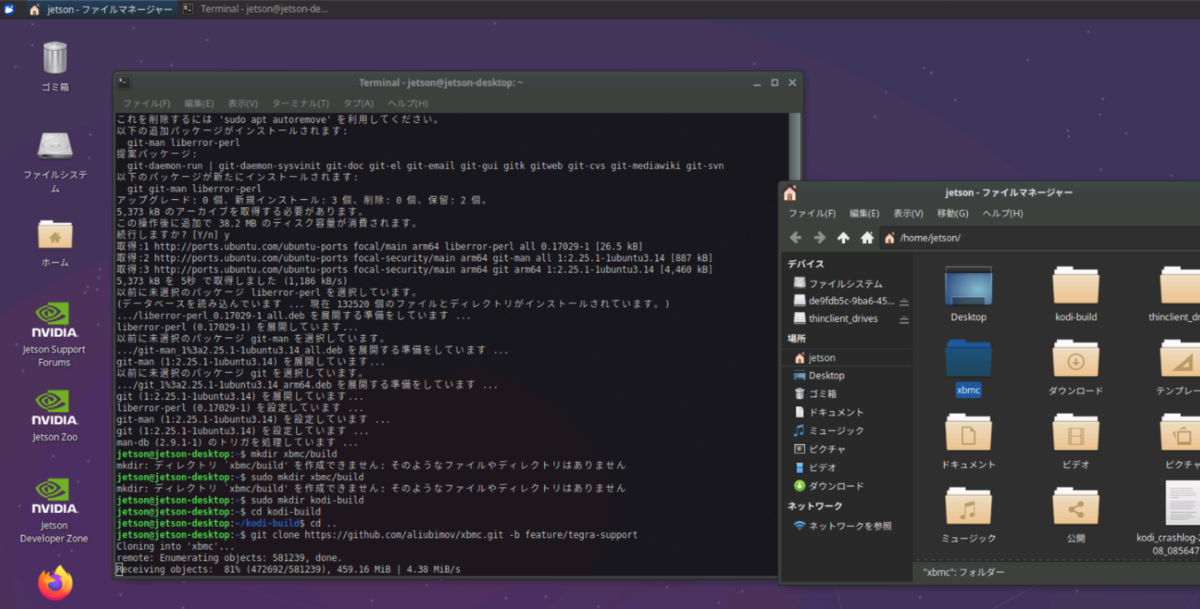
Xubuntuの起動確認は出来たが、armbian同様にUSB接続のSSDで起動したい。
USBのSSDにイメージを焼いた後にRaspberryPi等のLinux環境で作業。
/boot/extlinux 配下のextlinux.confを編集
現在の内容
TIMEOUT 30
DEFAULT primary
MENU TITLE L4T boot options
LABEL primary
MENU LABEL primary kernel
LINUX /boot/Image
INITRD /boot/initrd
APPEND ${cbootargs}
# When testing a custom kernel, it is recommended that you create a backup of
# the original kernel and add a new entry to this file so that the device can
# fallback to the original kernel. To do this:
#
# 1, Make a backup of the original kernel
# sudo cp /boot/Image /boot/Image.backup
#
# 2, Copy your custom kernel into /boot/Image
#
# 3, Uncomment below menu setting lines for the original kernel
#
# 4, Reboot
LABEL kvm
MENU LABEL kvm kernel
LINUX /boot/Image_kvm
FDT /boot/tegra210-p3448-0000-p3449-0000-a02-kvm.dtb
INITRD /boot/initrd
APPEND ${cbootargs}
LABEL primary
と
LABEL kvm(こちら側は不要かも?)
の後の APPEND ${cbootargs}の後に下記内容を追記
root=/dev/sda1 rw rootwait rootfstype=ext4 console=ttyS0,115200n8 console=tty0 fbcon=map:0 net.ifnames=0
編集後の内容
TIMEOUT 30
DEFAULT primary
MENU TITLE L4T boot options
LABEL primary
MENU LABEL primary kernel
LINUX /boot/Image
INITRD /boot/initrd
APPEND ${cbootargs} root=/dev/sda1 rw rootwait rootfstype=ext4 console=ttyS0,115200n8 console=tty0 fbcon=map:0 net.ifnames=0
# When testing a custom kernel, it is recommended that you create a backup of
# the original kernel and add a new entry to this file so that the device can
# fallback to the original kernel. To do this:
#
# 1, Make a backup of the original kernel
# sudo cp /boot/Image /boot/Image.backup
#
# 2, Copy your custom kernel into /boot/Image
#
# 3, Uncomment below menu setting lines for the original kernel
#
# 4, Reboot
LABEL kvm
MENU LABEL kvm kernel
LINUX /boot/Image_kvm
FDT /boot/tegra210-p3448-0000-p3449-0000-a02-kvm.dtb
INITRD /boot/initrd
APPEND ${cbootargs} root=/dev/sda1 rw rootwait rootfstype=ext4 console=ttyS0,115200n8 console=tty0 fbcon=map:0 net.ifnames=0
USB接続のSSDから起動できた。